
Master COMFYUI:
From Beginner to Expert!
Whether you want to create images and videos with Artificial Intelligence or speed up the work you already do!

Secure your spot with lifetime access before it ends!
Lifetime Access
Yours forever, with updates.
7-Day Guarantee
Satisfaction or your money back.
Direct Support
Through exclusive WhatsApp access.


Learn how to replace people in videos!
It has never been easier to transfer movements and facial expressions using AI!
Only for those who are PRO
When I say there is no better way to learn ComfyUI, I mean it. See what you will get access to when you join the course:
Exclusive Lessons
You will not find these lessons anywhere else. What belongs to ComfyUI Pro stays inside ComfyUI Pro!
Course Workflows
You will receive all workflows ready to use. Just drag and run them! You will also learn how to create them from scratch in the course.
Q&A Support
You will have Santinello’s WhatsApp, so whenever you have a question, just send a message!




Create your Influencer in minutes!
With this method, you can create consistent influencers and characters ready to do anything you want 🔥
- The same person in different environments, poses, etc.
- AI training (LoRA creation).
- Image and video creation for social media.
Some of the Available Workflows
Discover a new way to transform your creative process!

Arch Style
Create quick variations of your 3D renders!
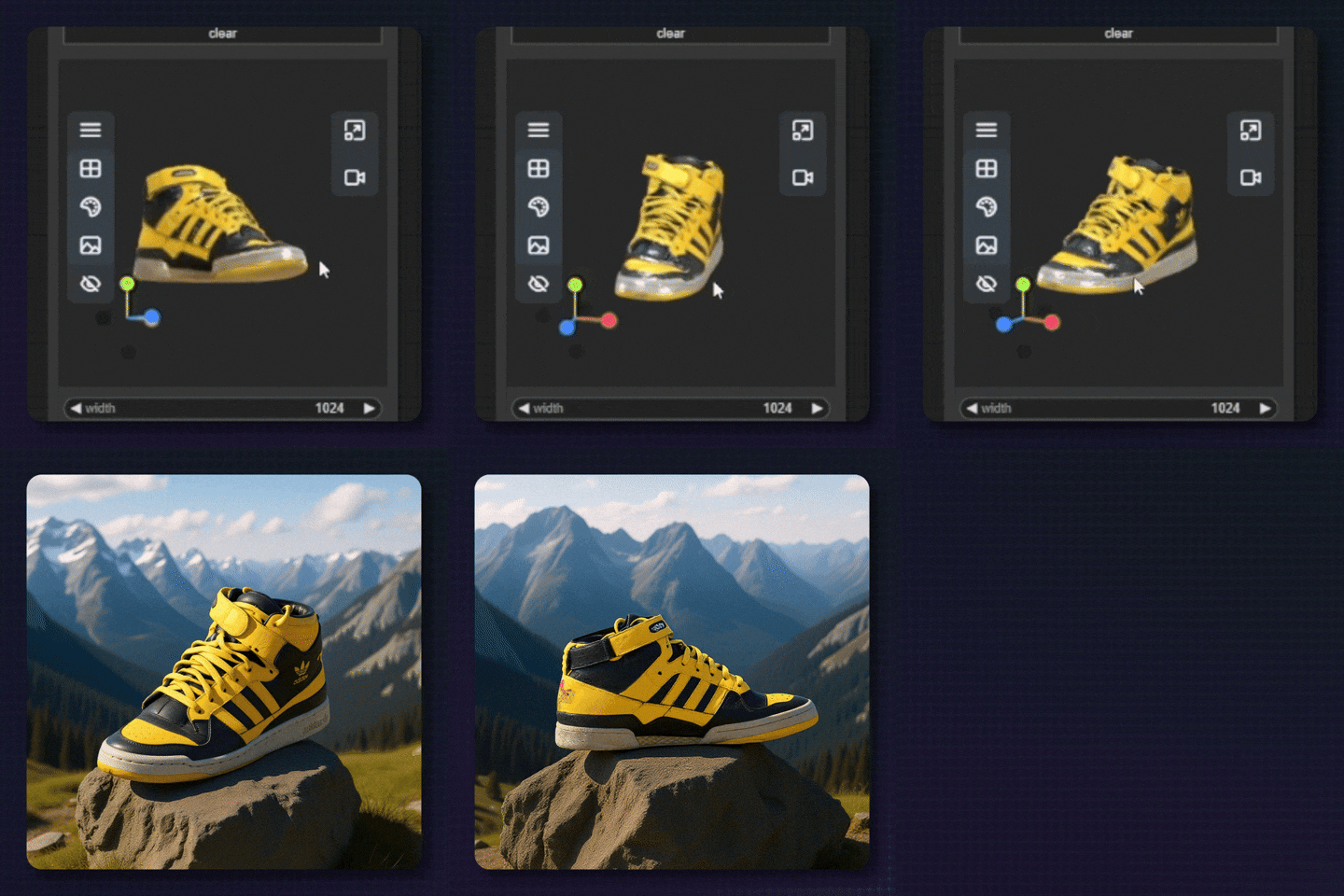
3D + Kontext
Position and render your images quickly directly inside ComfyUI!
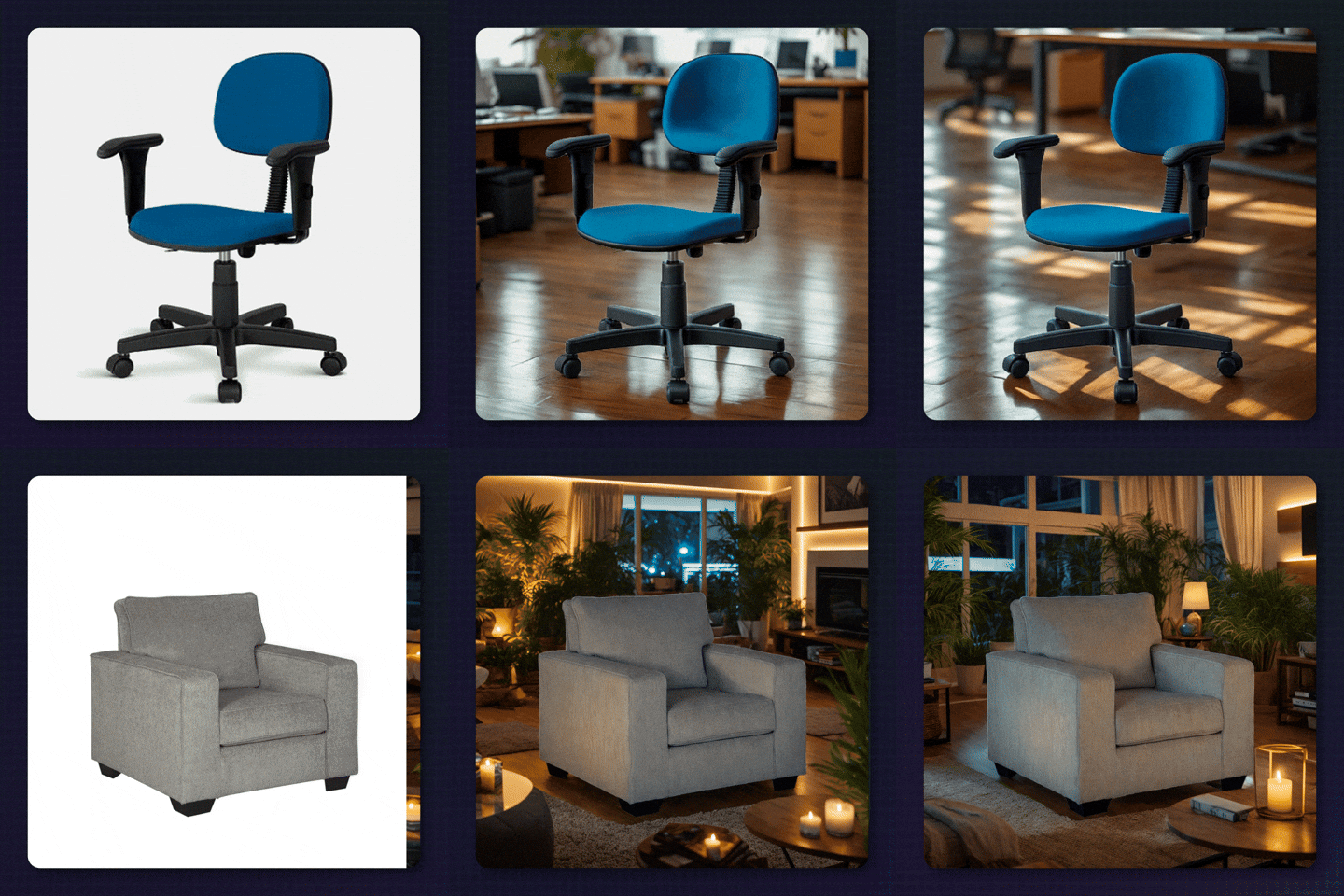
Product Photo
Compose images automatically in seconds!
SEE THESE AND MANY OTHER WORKFLOWS IN ACTION INSIDE THE COURSE!
I WANT TO LEARN THESE WORKFLOWS arrow_forwardUpscale and add more detail to your images!
You will learn how to use the best existing method to improve your 3D renders and add more realism to your AI-generated images!


Learn how to create incredible videos!
Turn your ideas into impressive animations directly through the ComfyUI interface!





Designed for YOU
In COMFYUI PRO, you will have lessons ranging from beginner to advanced, with a study path that gradually increases in difficulty, making it impossible not to become PRO.
cancel Without ComfyUI Pro, you...
- • Will waste hours trying to understand youtube tutorials
- • Will not understand the logic behind what you are doing
- • Will get frustrated with ComfyUI errors
check_circle With ComfyUI Pro, you...
- • Will even have time to hang out with friends
- • Will know exactly what every little setting inside ComfyUI is for
- • Will follow a method that prevents you from constantly running into ComfyUI errors
Modify videos with AI!
Whether you want to replace people in a video or create special effects, this workflow takes your edits to another level!



Learn how to CREATE CLONES!
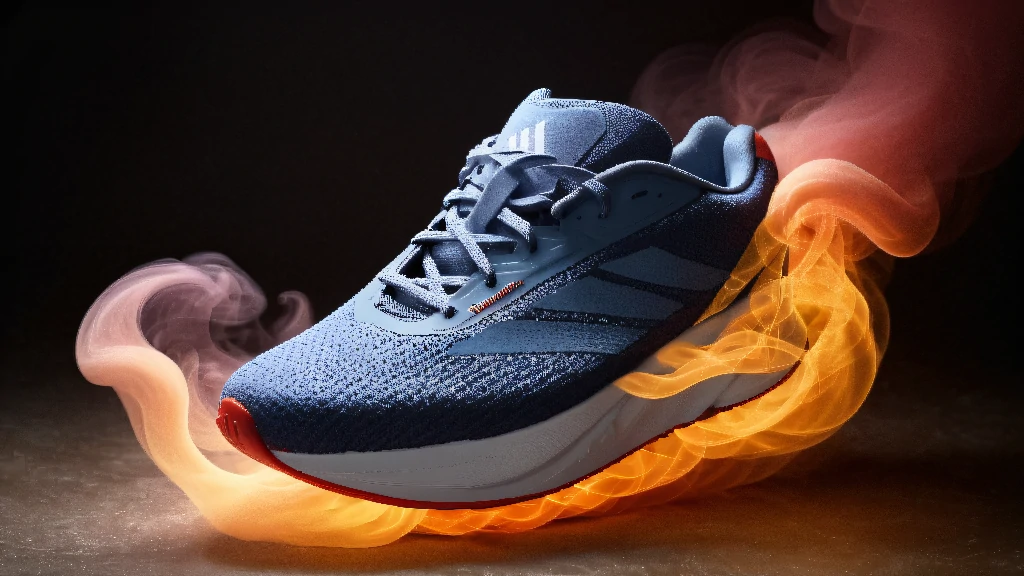
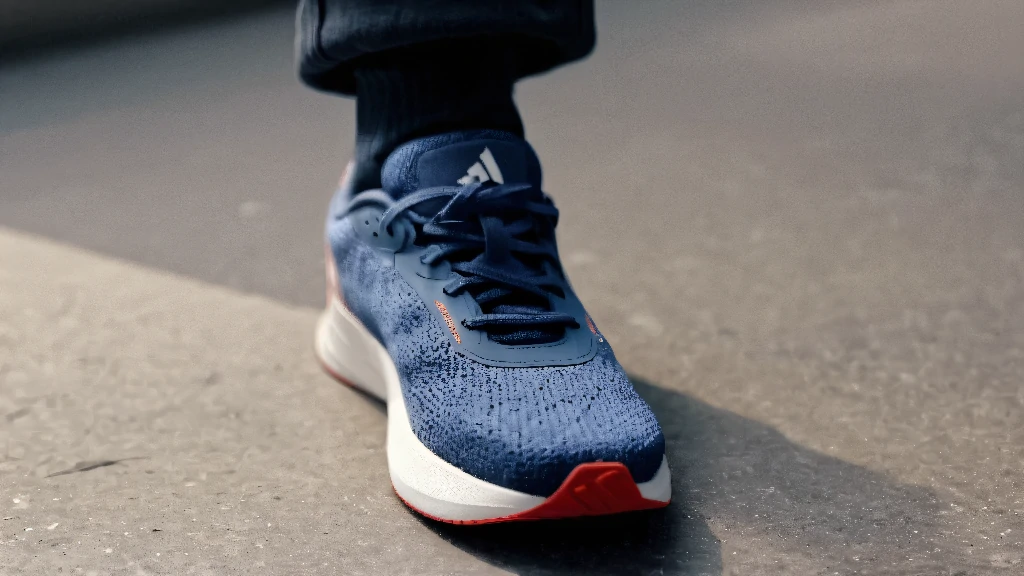
Whether you want to create images of products or people, with LoRAs you can train AI to make any type of image you want! See some examples below:




From Beginner to Advanced!
Beginner
For you who have never opened COMFYUI and feel intimidated by all those lines.
Intermediate
For you who have already opened COMFYUI but feel lost among so many settings.
Advanced
For you who are already experienced but feel you need deeper knowledge.
Make your characters talk!
Your character learns to talk using this workflow, with no time limit!



Learn with Santinello
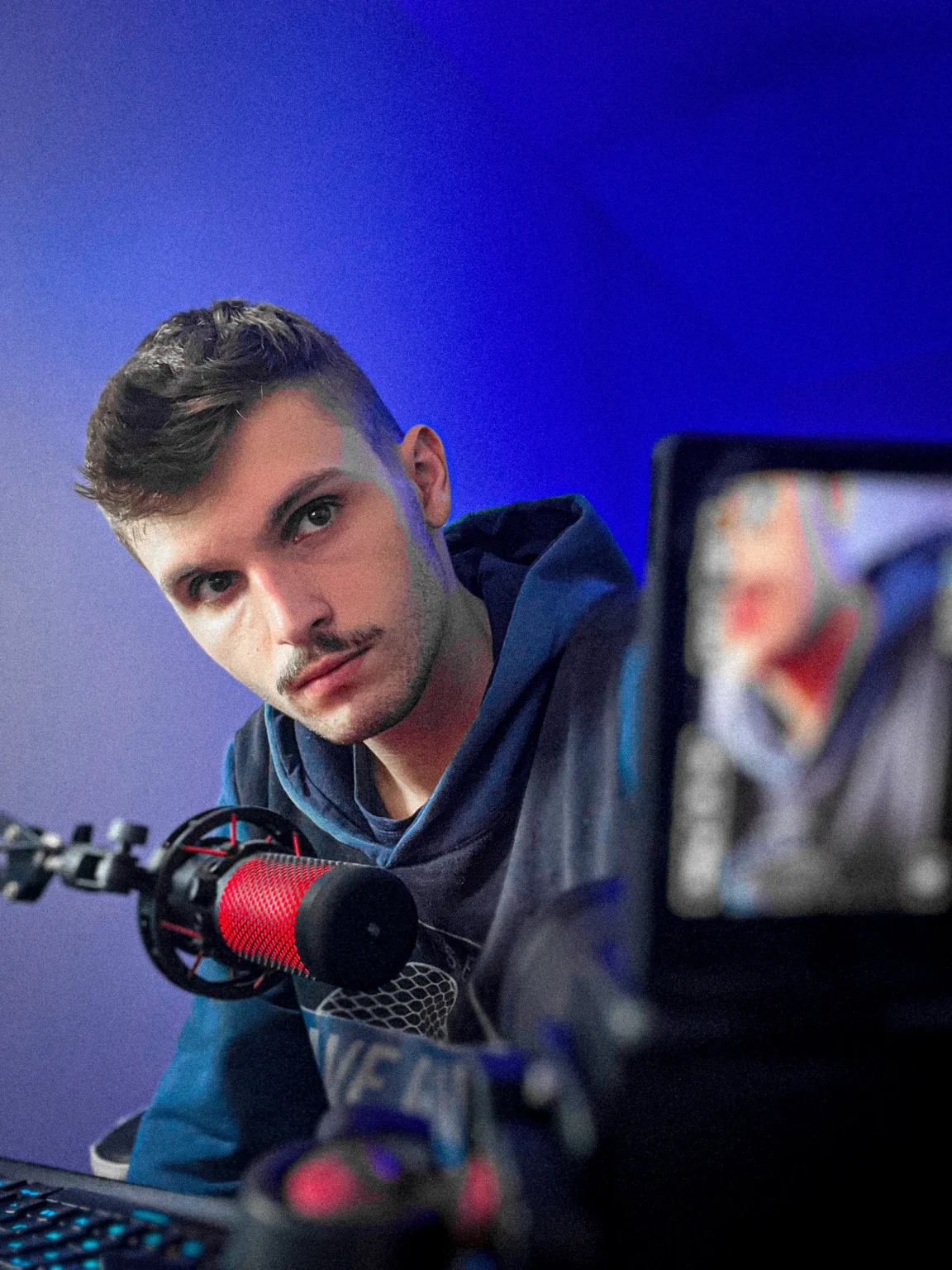
Santinello has always been passionate about technology and art. Over time, he discovered that COMFYUI brought these two passions together, and since then his goal has been to teach how to use this tool to optimize processes and/or create AI art.
A Few More Available Workflows
We currently have more than 100 workflows available, so it is not possible to show them all on this page.

Wan Vace Inpaint
Modify specific regions of your video with this workflow!
Kontext Interior
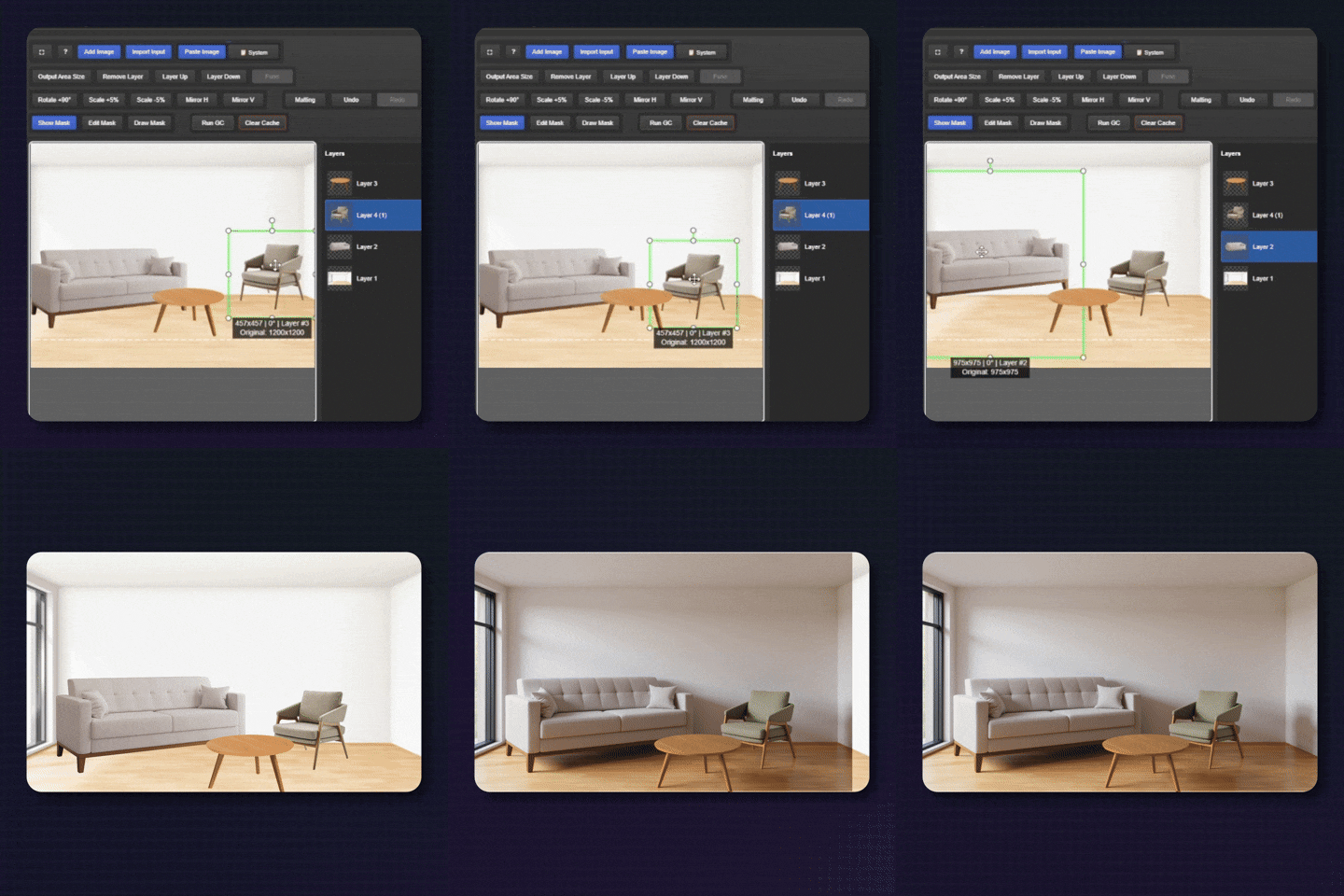
Place anything you want, wherever you want, directly inside ComfyUI!

Flux Outpaint
Learn how to expand your images with this Outpaint workflow!
SEE THESE AND MANY OTHER WORKFLOWS IN ACTION INSIDE THE COURSE!
I WANT TO LEARN THESE WORKFLOWS arrow_forwardInside the Course
You cannot learn properly in a mess, right? That is why the course is organized gradually, going through each step of the workflows.
INTRODUCTION TO COMFYUI PRO
This is the initial module. Here you will learn how to install COMFYUI and its dependencies correctly, and you will have your first contact with the tool.
COMFYUI IN THE CLOUD - RUNPOD
In this module, you will learn how to rent video cards to run ComfyUI in the cloud through the RunPod platform.
COMFYUI IN THE CLOUD - Comfy Cloud
In this module, you will learn how to run ComfyUI in the cloud using Comfy Cloud, the official platform from the ComfyUI team.
FIRST STEPS IN COMFYUI
In this module, some of the main concepts for using ComfyUI are introduced, along with your first contact with the tool.
INPUTS
In this module, you will learn about the inputs you can use to start your workflows.
SAMPLER
This is the module about recording and encoding your inputs. Relax, it will make sense when you watch the lessons.
OUTPUT
This is the module where you will learn about the nodes for saving and previewing what was created.
WORKFLOW CREATION
In this module, we will use everything taught in the Inputs, Sampler, and Outputs modules to create custom workflows in practice.
STABLE DIFFUSION
In this module, you will learn how to create all kinds of images using Stable Diffusion AI, applying everything covered in the Inputs, Sampler, and Outputs modules.
FLUX
In this module, you will learn everything about Flux AI, from creating ultra-realistic images to training Artificial Intelligence.
HUNYUAN
Whether from text (prompt), an image, or a video, in this module you will learn how to create videos with Hunyuan AI.
WAN
In this module, you will learn everything about Wan AI, from creating videos from text, images, and videos to creating advanced effects (VFX).
LTX
In this module, you will learn how to create videos with the lightest AI available, so you will not need a powerful PC to run it.
QWEN
In this module, you will learn how to use Qwen AI to create and edit images with consistency and quality.
Z IMAGE
In this module, you will learn how to use the fastest AI for high-resolution image creation!
API NODES
In this module, you will learn how to use the main paid AIs through ComfyUI using official APIs.
WORKFLOWS & EXTRAS
In this module, we have extra workflows and bonus lessons!
FAQ
In this module, you will accelerate your learning with quick, straight-to-the-point lessons that answer the main questions beginners have about ComfyUI.
Constant Updates
Always bringing new techniques and workflows so you can stay up to date!



And how much will all this cost?
From $300
Last spots with Lifetime Access!
Frequently Asked Questions
What is the minimum setup required to run ComfyUI?expand_more
Each workflow will have a minimum requirement, but it is recommended that you have at least an NVIDIA graphics card with 4 GB of VRAM and 16 GB of RAM to run image-creation workflows. If your computer does not meet these requirements, you can run ComfyUI in the cloud, which is taught in the course.
Can I follow your course using ComfyUI in the cloud?expand_more
Absolutely! The course provides full guidance to run ComfyUI on two cloud platforms, RunPod and Comfy Cloud, and we have specific modules for each platform!
Will I receive new lessons?expand_more
Yes! Access is lifetime, and all weekly updates, including workflows and lessons, are included at no additional cost.
How does access work?expand_more
Access is immediate after payment confirmation. You will receive the login details by email to access the members area.
Do I need to know anything before starting?expand_more
No. The course was designed so students from all knowledge levels can understand all the content very easily, from beginner to advanced.